 Skip to content

Introduction
Are you stuck trying to turn your 3D model into something you can print? Many people face this issue when their files are in OBJ format but need STL for printing or machining. This guide shows you how to convert OBJ to STL quickly and without hassle.
You’ll learn the basics of both formats, why you need to convert, and step-by-step methods using free tools. We’ll cover common pitfalls and give expert advice to make your process smooth. This matters because STL is the go-to format for 3D printing and CNC machining services. With the 3D printing market set to hit $16.16 billion in 2026, knowing this skill saves you time and money. Whether you’re in the automotive industry or aerospace, proper file conversion ensures your designs work well with CNC machining services.
In industries like medical, accurate conversions help create custom parts fast. Stick around to master OBJ to STL and boost your projects.
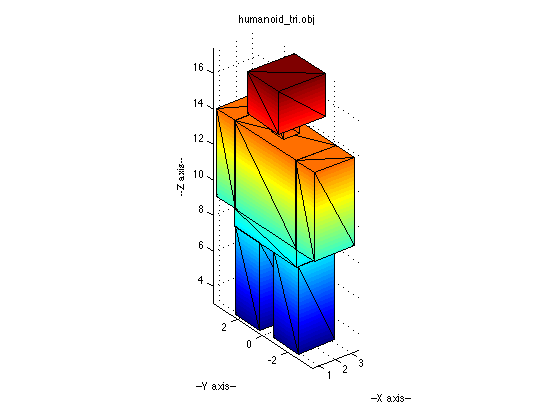
OBJ Files – A 3D Object Format
What Is an OBJ File?
OBJ files store 3D model data. They come from Wavefront Technologies. You use them for complex designs with colors and textures.
Key Features of OBJ
OBJ supports polygons beyond triangles. This means smoother curves in your models. It also saves material info in a separate MTL file.
Common Uses for OBJ Files
Designers use OBJ in animation and games. It’s great for sharing models across software. For example, in the automotive industry, engineers export car parts as OBJ for detailed reviews before using CNC machining services.
What Is an STL File?
STL stands for Stereolithography. It’s a simple format for 3D printing. Chuck Hull created it in the 1980s for early printers.
Key Features of STL
STL uses triangles to describe surfaces. It has no color or texture data. This makes files smaller and easier to process.
Common Uses for STL Files
You see STL in rapid prototyping. In aerospace, teams convert designs to STL for testing parts. It’s standard for 3D printers and CNC services.
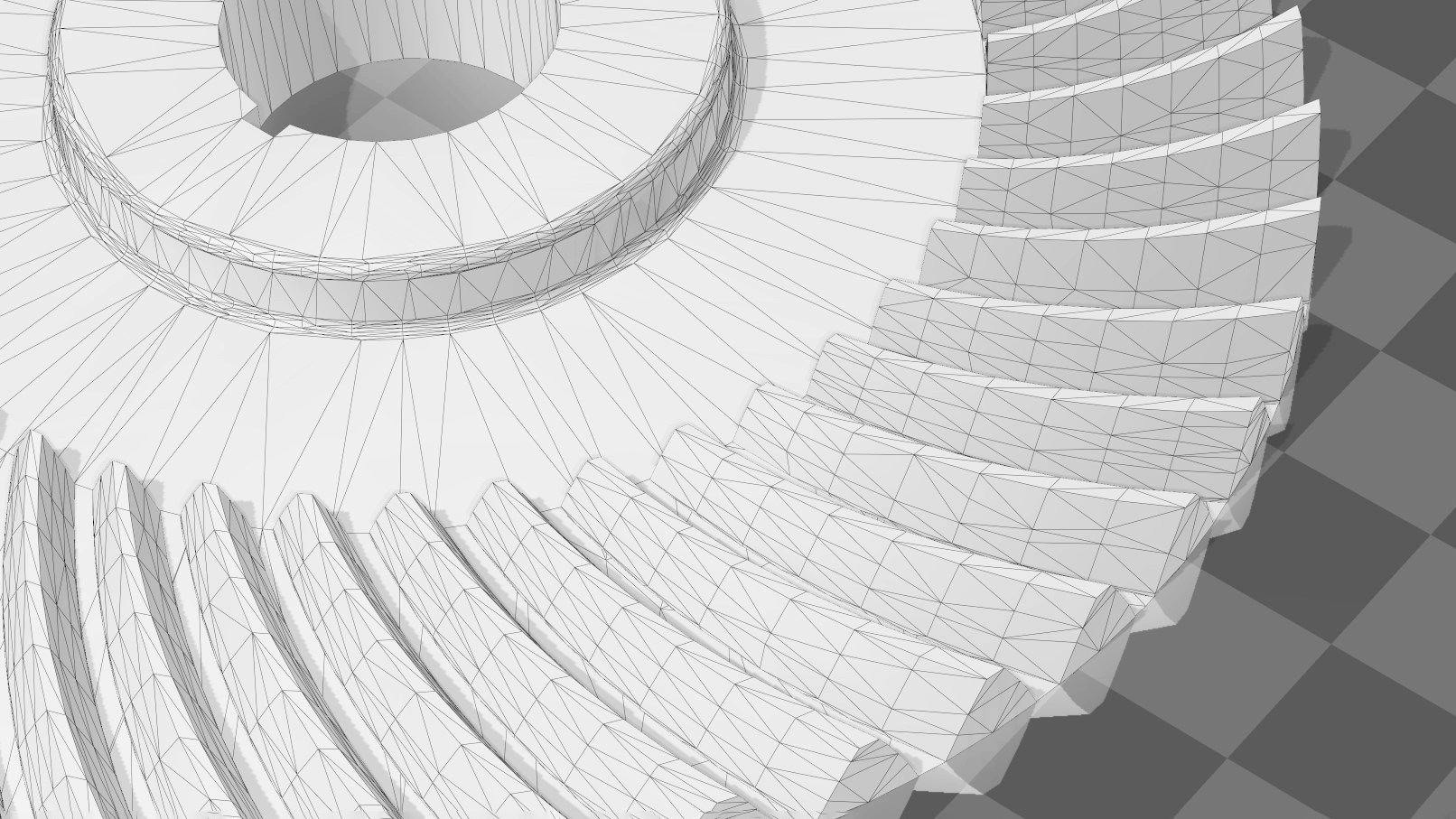
What Is an STL File? – The STL Format Simply Explained | All3DP
Why Convert OBJ to STL?
OBJ files hold more details than needed for printing. Converting to STL simplifies your model for machines. This step prevents errors in production.
Many printers only accept STL. If you skip conversion, your project stalls. In medical fields, accurate STL files mean better custom implants via CNC machining services.
Differences Between OBJ and STL
OBJ and STL serve different needs. OBJ handles complex data like colors. STL focuses on shape only.
| Feature | OBJ | STL |
|---|---|---|
| Geometry | Polygons, curves | Triangles only |
| Color/Texture | Yes | No |
| File Size | Larger | Smaller |
| Best For | Design, animation | Printing, machining |
This table shows why conversion matters. OBJ is versatile but STL is efficient for output.
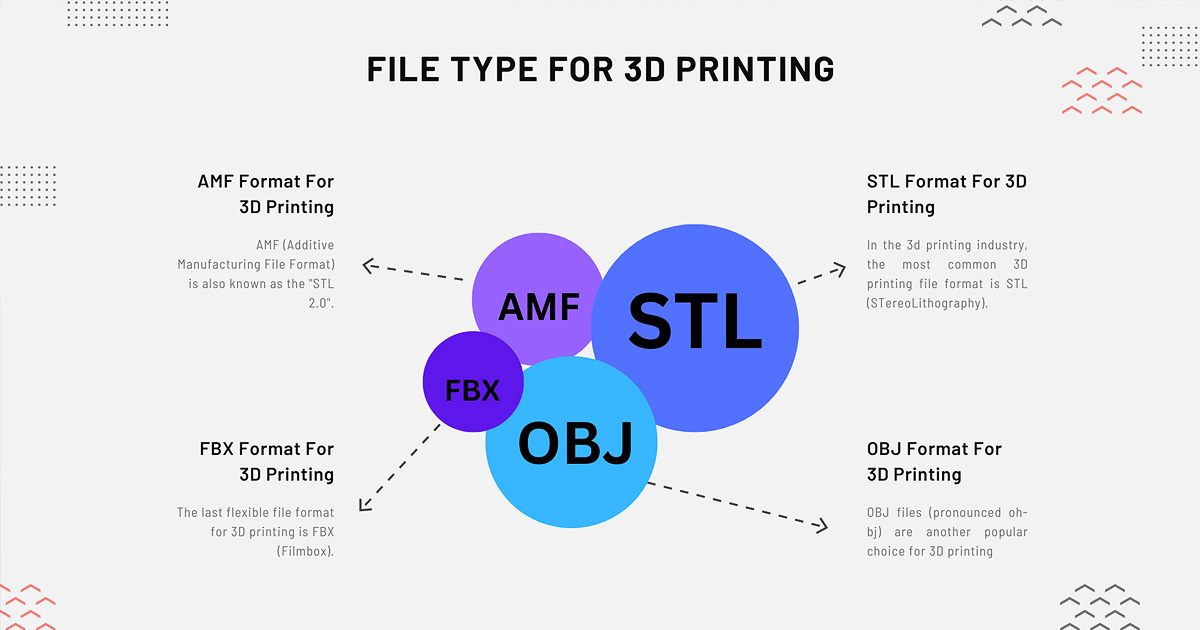
Choosing the Right File Type for 3D Printing in 2026 (STL, OBJ …
Best Free Tools for OBJ to STL Conversion
You have many free options. Choose based on your needs. Blender and MeshLab top the list.
- Blender: Powerful for editing too.
- MeshLab: Great for mesh fixes.
- Online Tools: Like ImageToSTL or MeshInspector.
These tools work on Windows, Mac, or Linux.
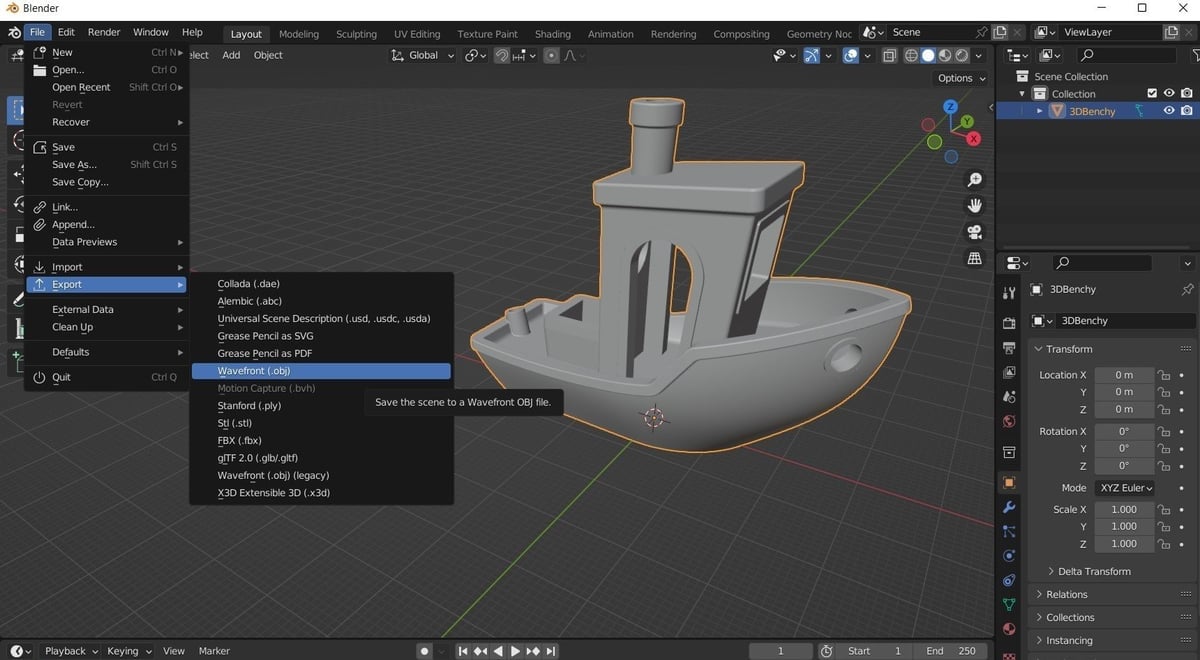
Step-by-Step Guide: Converting OBJ to STL in Blender
Blender makes conversion easy. It’s free and open-source. Download it from blender.org.
- Open Blender and delete the default cube.
- Go to File > Import > Wavefront (.obj) and select your file.
- Check your model in the viewport.
- Go to File > Export > Stl (.stl) and save.
This takes minutes. Fix any issues like holes before exporting.
Pro Tip: Scale your model in Blender first. Wrong size leads to print failures.
STL to OBJ: How to Convert STL Files to OBJ | All3DP
Using MeshLab for OBJ to STL Conversion
MeshLab is lightweight and free. It’s ideal for quick fixes. Get it from meshlab.net.
Steps in MeshLab
- Open MeshLab and import your OBJ.
- Use filters to clean the mesh if needed.
- Export as STL from the menu.
When to Use MeshLab
Choose it for large files. It handles meshes better than some online tools.

File:19 Export mesh as stl or obj.png – Wikimedia Commons
Online Converters: Quick and Easy Options
No install needed for online tools. Try Convert3D.org or ImageToSTL.
Upload your OBJ, click convert, and download STL. It’s fast for small files. But watch for privacy with sensitive designs.
Common Mistakes to Avoid When Converting
Don’t rush the process. Here are key errors:
- Ignoring mesh errors like holes.
- Forgetting to check units (mm vs inches).
- Using low-quality online converters.
- Not validating the STL after conversion.
- Overlooking inverted normals.
Avoid these for clean results.
Difference Between stl and obj File Format – Shokitech
How to Choose the Right Conversion Method
Think about your file size first. For simple models, use online tools. Complex ones need software like Blender.
Consider your skills. Beginners start with easy interfaces. Pros use advanced features for tweaks.
Expert Advice: Always preview in a slicer like Cura after conversion.
Applications in Industries
OBJ to STL conversion helps many fields. In automotive, it speeds prototype testing with CNC machining services.
Aerospace uses it for lightweight parts. Medical pros create custom tools. For example, a dental lab converts scans to STL for printing crowns.
These conversions support efficient workflows in these industries.
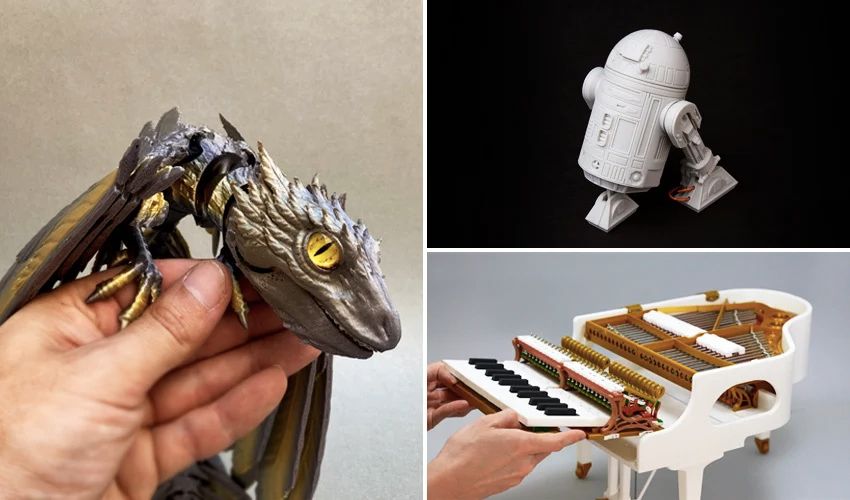
The Most Popular STL Files of 2022 – 3Dnatives
Cost Breakdown: Free vs Paid Options
Most conversions are free. Tools like Blender cost nothing. Online sites are ad-supported.
Paid software like Autodesk Fusion adds features for $500/year. But for basic needs, free works fine. Save money for actual printing or CNC services.
Key Takeaways
- OBJ holds more data than STL.
- Use free tools like Blender for easy conversion.
- Avoid common mistakes like ignoring mesh issues.
- STL is key for 3D printing in industries.
- Online options are quick but check privacy.
- Always validate your file post-conversion.
- Conversion boosts efficiency in automotive and aerospace.
Conclusion
Converting OBJ to STL opens doors for your 3D projects. You now know the tools, steps, and tips to do it right. Remember to check your files and avoid pitfalls.
This skill helps in many industries like medical and automotive. With practice, you’ll handle conversions like a pro.
FAQs
What software can convert OBJ to STL for free?
Blender and MeshLab are top free choices. They handle most files well. Online tools like ImageToSTL also work without downloads.
Is there a difference in quality after conversion?
Yes, STL simplifies to triangles, which may lose some details. Check your model after converting. Use tools to fix any loss.
Can I convert OBJ to STL on my phone?
Some apps exist, but they’re limited. Use a computer for better control. Mobile options often lack editing features.
Why does my converted STL have errors?
Common causes include holes in the mesh or wrong scales. Use repair tools in MeshLab. Always inspect before printing.
How long does conversion take?
It depends on file size. Small files convert in seconds. Large ones may take minutes in software.
Can I batch convert multiple OBJ files?
Yes, in Blender with scripts. Or use online tools one by one. For pros, paid software handles batches easily
 English
  简体中文
简体中文  Español
  Deutsch (Sie)
  日本語
日本語  Português